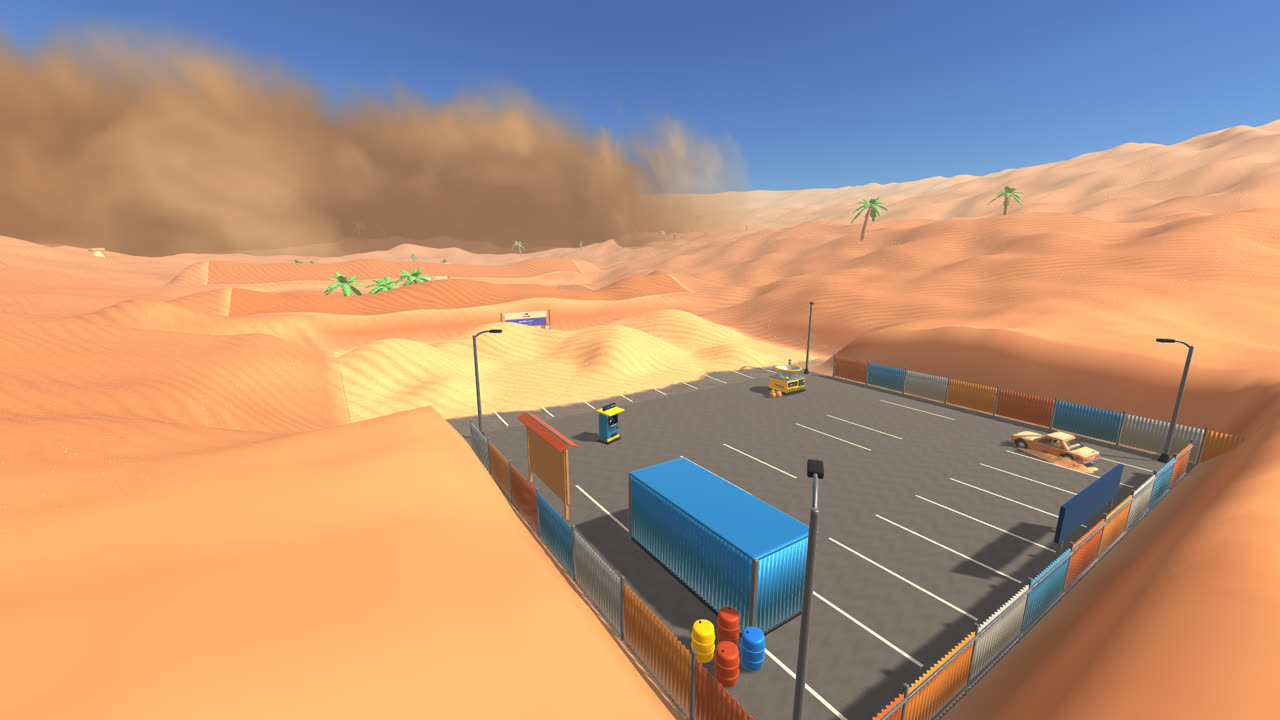
Every Last Grain explains itself in one line on its own How to Play screen: dig the sand, sell it by the kilo, buy better tools, find what is buried. This guide walks through each part, using the in-game screens of the current version.
Every Last Grain controls
The game is played with keyboard and mouse. These are the default keys from the Controls tab in Settings:
| Key | Action |
|---|---|
| W A S D | Move |
| Mouse | Look around |
| Shift | Sprint, while you have stamina |
| Left mouse button or E (hold) | Dig |
| E | Use, sell, buy |
| Q | Ability (the Sandstorm skill: triple suction for 12 seconds) |
| J | Journal (skills, areas, collection, records) |
| P | Menu |
In fullscreen, Esc leaves fullscreen and closes open windows. If the browser releases your mouse, the game keeps running and asks you to click to look around again.
Starting a run
Open the game on its official itch.io page (the Play button on our home page takes you there), wait for it to load and click Click to start (sound is on). A short intro shows the job ad: the Reclamation Dept. is hiring a Sand Remover for "the parking lot at the end of the world", full time, start today, paid by the kilo, no experience, no questions. Bring your own spoon. Press Space to go through it or click Skip.
On screen you will see your cash and level in the top left, the area panel (Parking Lot, how much of the world is cleared and how much sand you have removed) in the top right, and your bag at the bottom. With the spoon your bag holds only 0.5 kg.
The core loop: dig, sell, upgrade
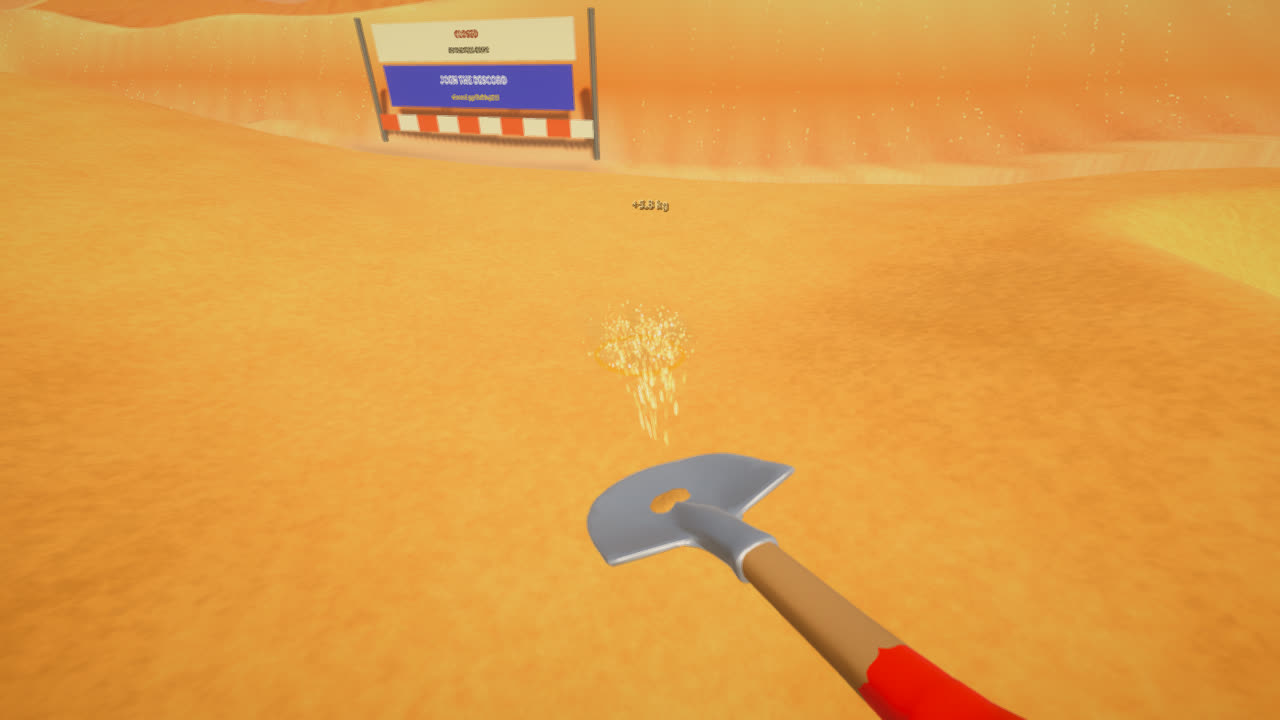
- Dig. Hold the left mouse button or E on the sand. A ring shows where you are digging and your bag fills up.
- Sell. Bag full? Walk to the Sand Deposit and press E. Sand is paid by the kilo, starting at $1.00 per kg. Your first full bag points you to it.
- Buy better tools. A "!" over the Supply Terminal means you can afford something. Walk up and press E. Tools dig faster; Bags & Tanks decide how much you carry.
- Find the good stuff. Big money lies deep under the big piles. Dig down, pick it up, sell it.
- Level up. Selling earns XP (the first level needs 100 XP). Every level gives one Skill Point. Press J and spend it in the skill web.
The Journal (J)
The Journal has four tabs, and it is where most of the game's information lives:
- Skills: a skill web of 48 skills. You start next to five branches: Stronger Suction, Bigger Bag, Better Prices, Stamina and Treasure Sense. Hover a skill to read it, click to learn it. Details in our Every Last Grain upgrades guide.
- Areas: progress for the Lot Edge (10,000 kg of sand and 14 finds), with rewards along the way. Dry Wash and Great Dune are listed but marked Full Game.
- Collection: every buried item, with its rarity, value and where it can be found. See the Every Last Grain finds guide.
- Records: your stats (sand removed and sold, cash earned, deposits, time) and 11 achievements (all listed on our Every Last Grain achievements page).
The menu (P)
Press P to pause. The menu has Resume, How to Play, Save Now, Settings, Fullscreen, Reset Progress and Quit. Progress saves automatically every 30 seconds, and Quit saves too. Once the Lot Edge is cleared you can also call the sandstorm here to fill the desert again and start a new, faster run.
Settings has three tabs:
- Sound: Volume, Music, Sound Effects, Vacuum and Treasure Ping, each with its own slider.
- Game: Mouse Sensitivity (1.5 by default) and Graphics (High or Low).
- Controls: the key list above.
Beginner tips for Every Last Grain
- Sprint between the sand and the Deposit. Walking is the slowest part of the early game; Shift saves real time.
- Capacity matters as much as speed. A 0.5 kg spoonful means constant trips. Bigger Bag and bag or tank upgrades cut them down.
- Dig deep under big piles. That is where the valuable finds are, and they pay far more than sand.
- Lagging? Set Graphics to Low in Settings, Game tab. More fixes are in our Every Last Grain troubleshooting guide.
- Stuck at 99%? Since Update 11 an area is clear only when no visible sand is left. Follow the LAST SAND marker to the last pile.
- Do not hit Reset Progress by accident. It wipes your save; use Quit or Save Now instead.
Ready for the next step? Read the Every Last Grain upgrades guide for what to buy and which skills to learn first.